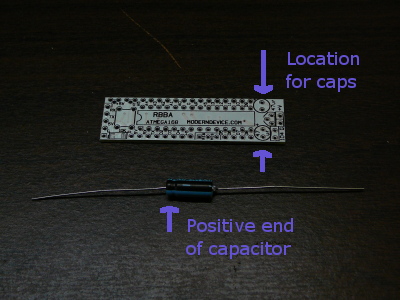
Due to an ordering error the RBBB Arduino kits may come with an axial 0.47 uF capacitor instead of a radial one, here's how to install it. if you need more general instructions on how to build the kit go to either http://www.moderndevice.com or http://www.wulfden.org and download their PDF instructions for the RBBB.
Installation of the 0.47 uF capacitors should probably be saved for a last step in the assembly process, but at least make sure you have soldered the surface mount resistor that goes just below the capacitor.
All of the photos below show a de-populated board for clarity, but be sure to heed the warning above.
Getting Ready
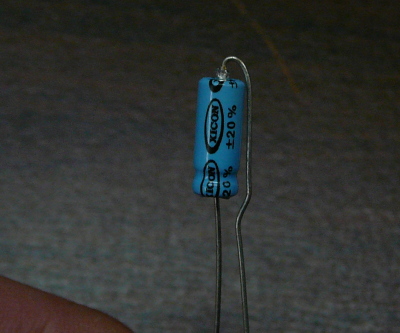
Fold the negative lead over as shown
Insert the capacitor into the board NOTE POLARITY!
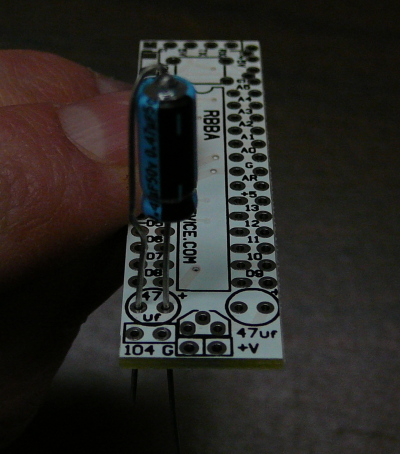
check fit
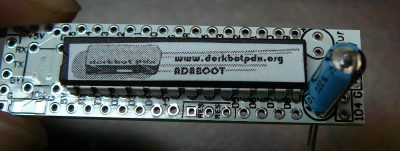
Solder and enjoy!